The Art World At Your Fingertips
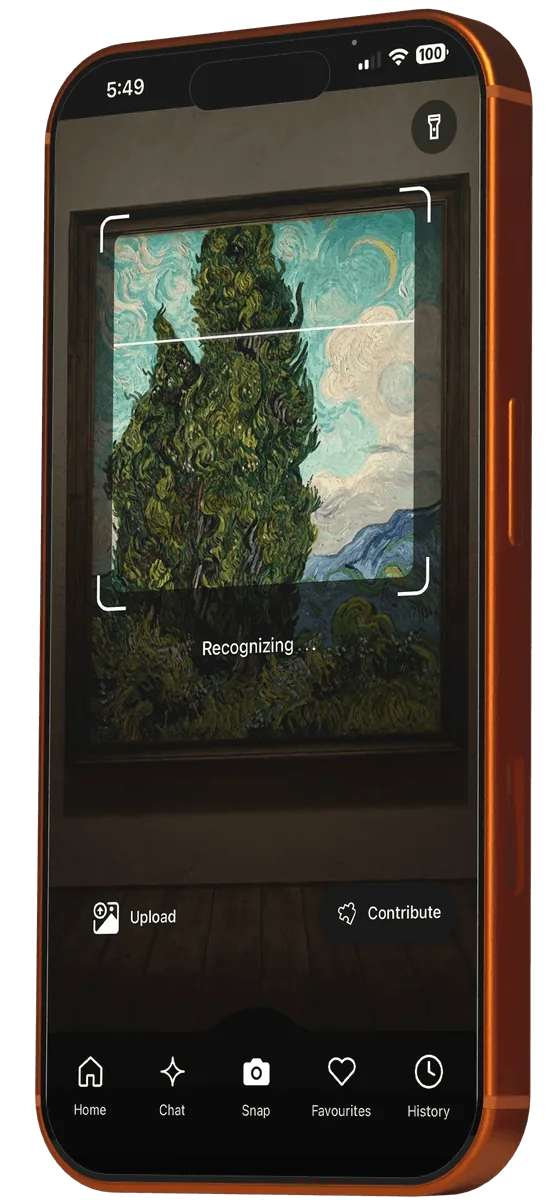
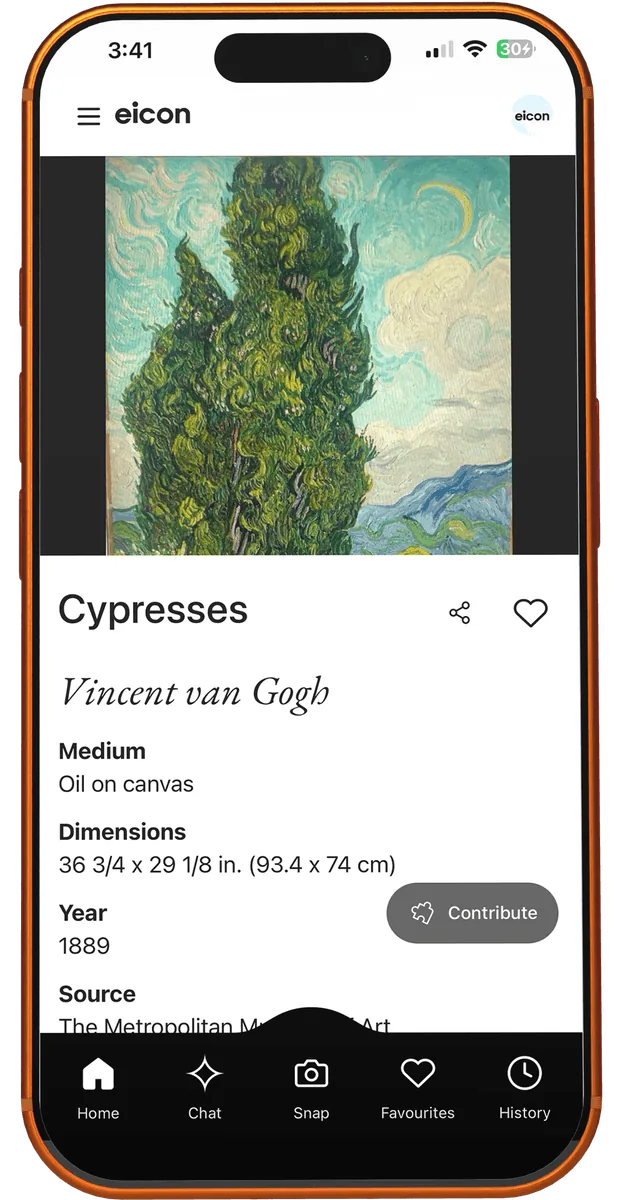
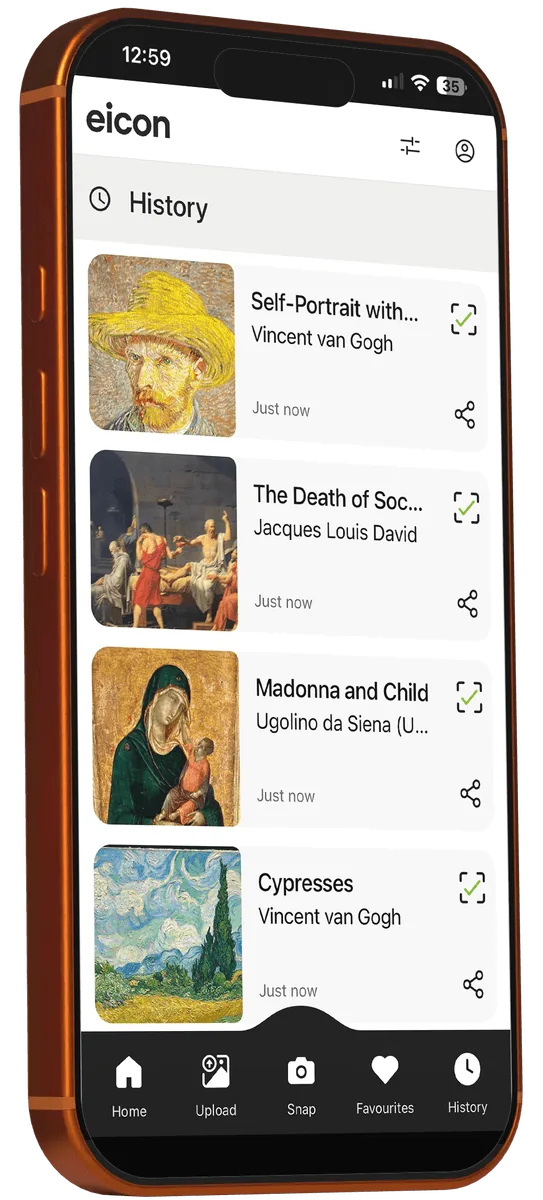
Scan any painting or sculpture and identify it instantly. Eicon is like Shazam for art - point your phone at any artwork to learn its title, artist, history and more.
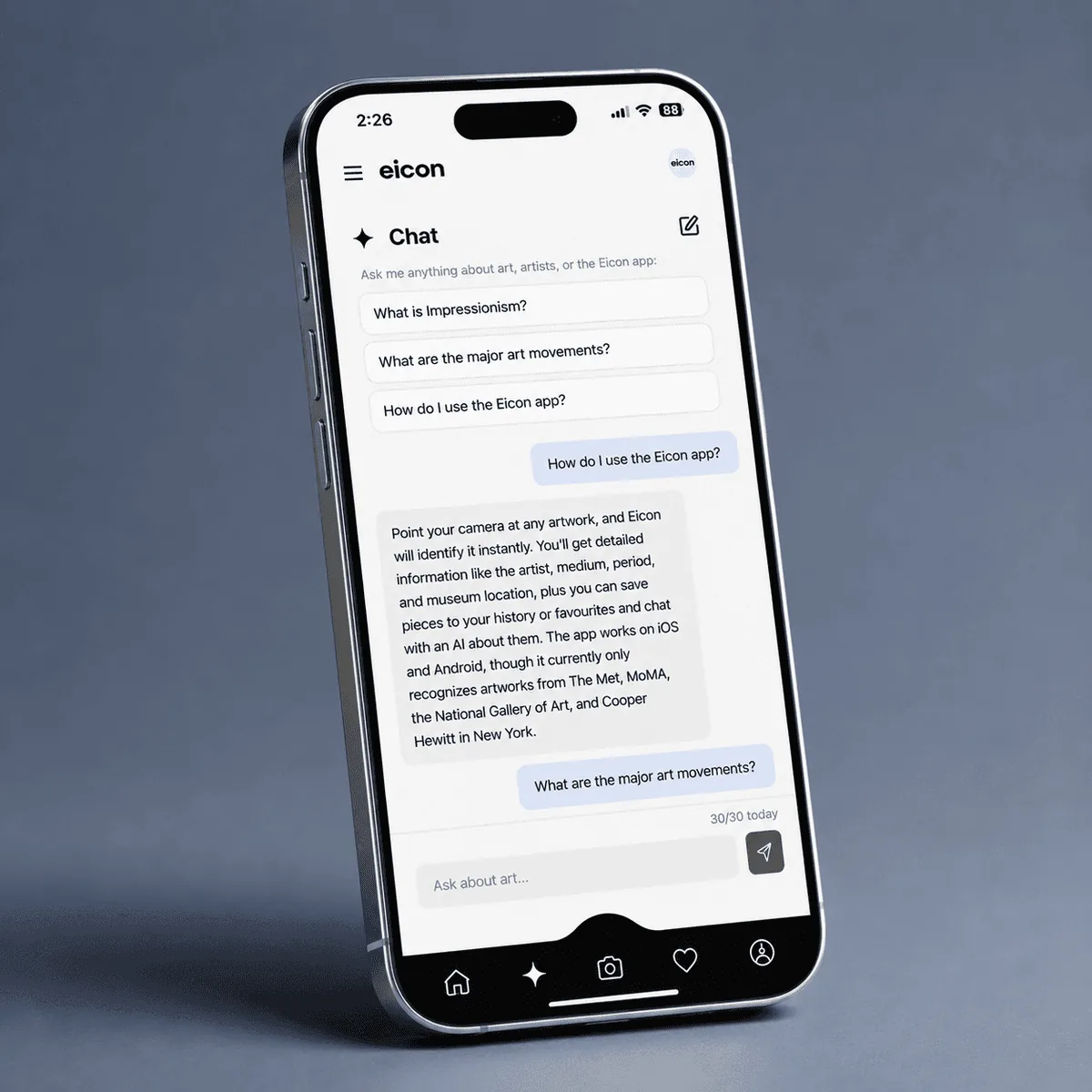
AI-Powered Chat
Ask anything about the artwork in front of you, from the artist’s life to the meaning of a detail.
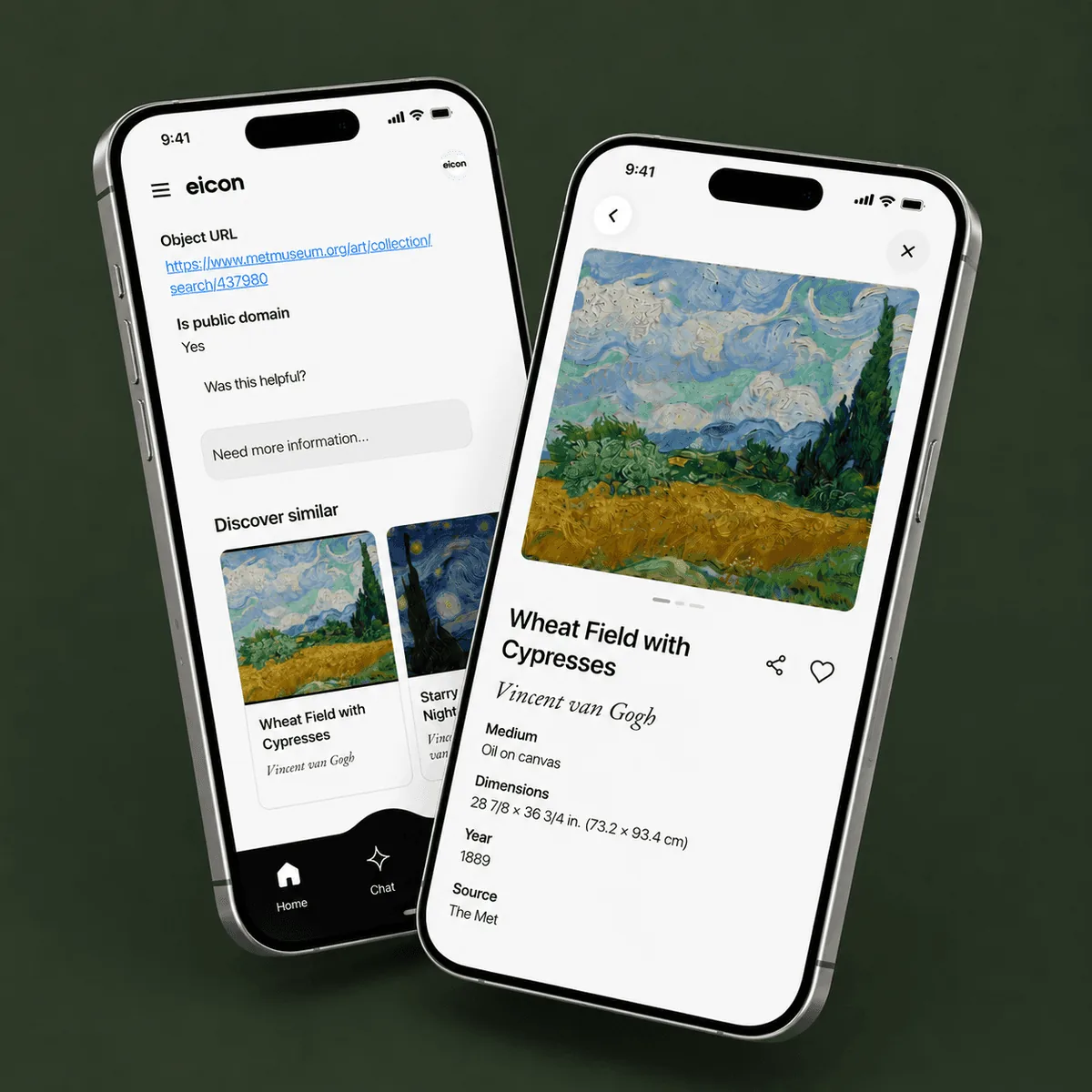
Discover Similar Work
Like what you see? Find more with Eicon’s automatic recommendations.
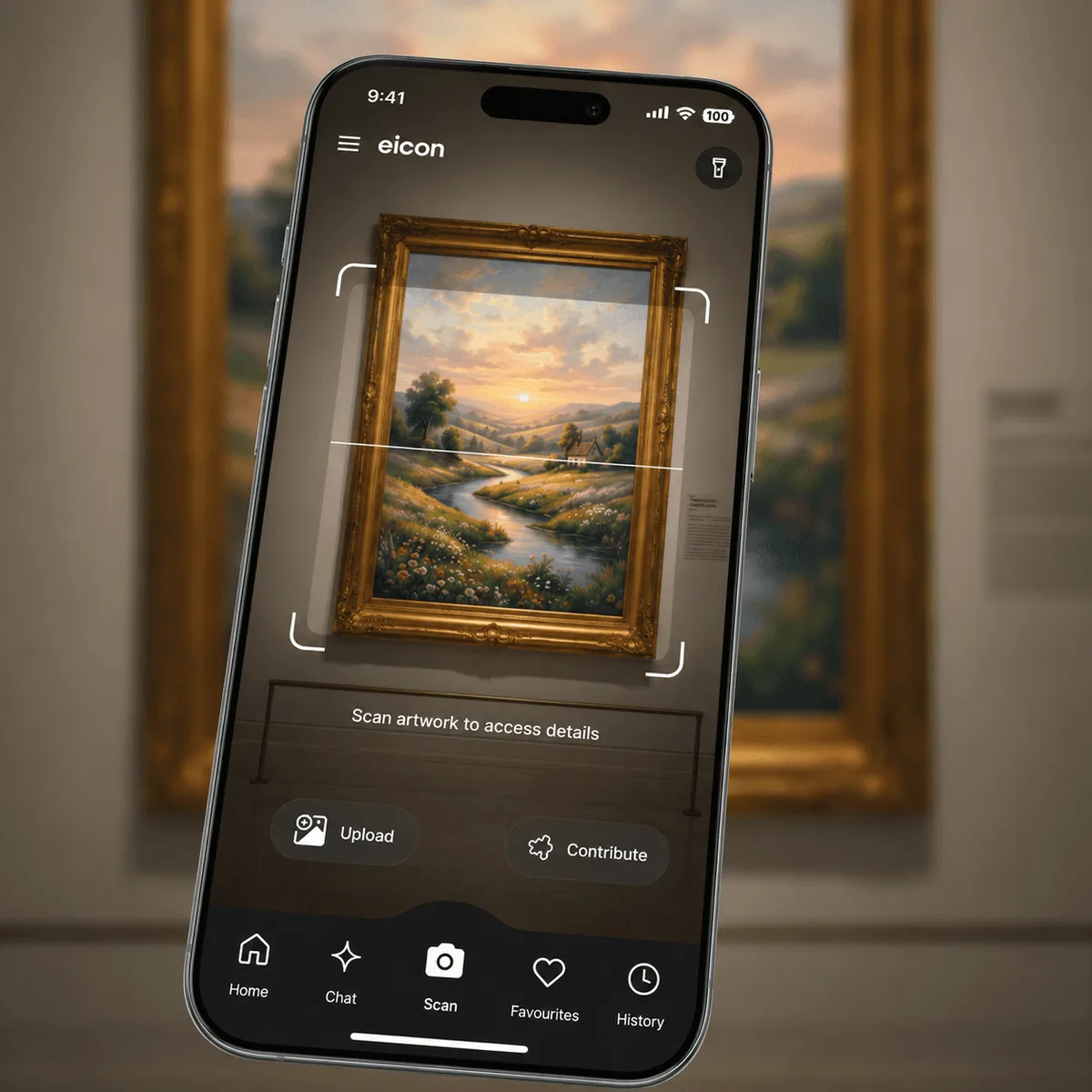
Contribute to Eicon
Found a work Eicon doesn’t know yet? Add it, so the next visitor can learn its story.
Frequently Asked Questions
How do I identify an artwork?
Open Eicon and point your camera at the painting, sculpture or object, or upload a photo of it. Eicon identifies it in seconds and shows you the title, artist, history and more.
Is Eicon free?
Yes. Eicon is free to download and use on both iOS and Android, with up to 30 chat messages per day.
Which museums and galleries does Eicon support?
Eicon recognises artworks from major museums worldwide including The Metropolitan Museum of Art, Rijksmuseum, National Gallery of Art, and many more. The database grows continuously as new exhibitions and collections are added.
What devices does Eicon work on?
Eicon is available on iOS (iPhone) and Android devices. Download it from the App Store or Google Play.
Can I use Eicon outside a museum?
Absolutely. Eicon works anywhere you encounter art - galleries, exhibitions, art fairs, public sculptures, or even a print on someone's wall.